Guide · SEO
Free website check: how to read your result
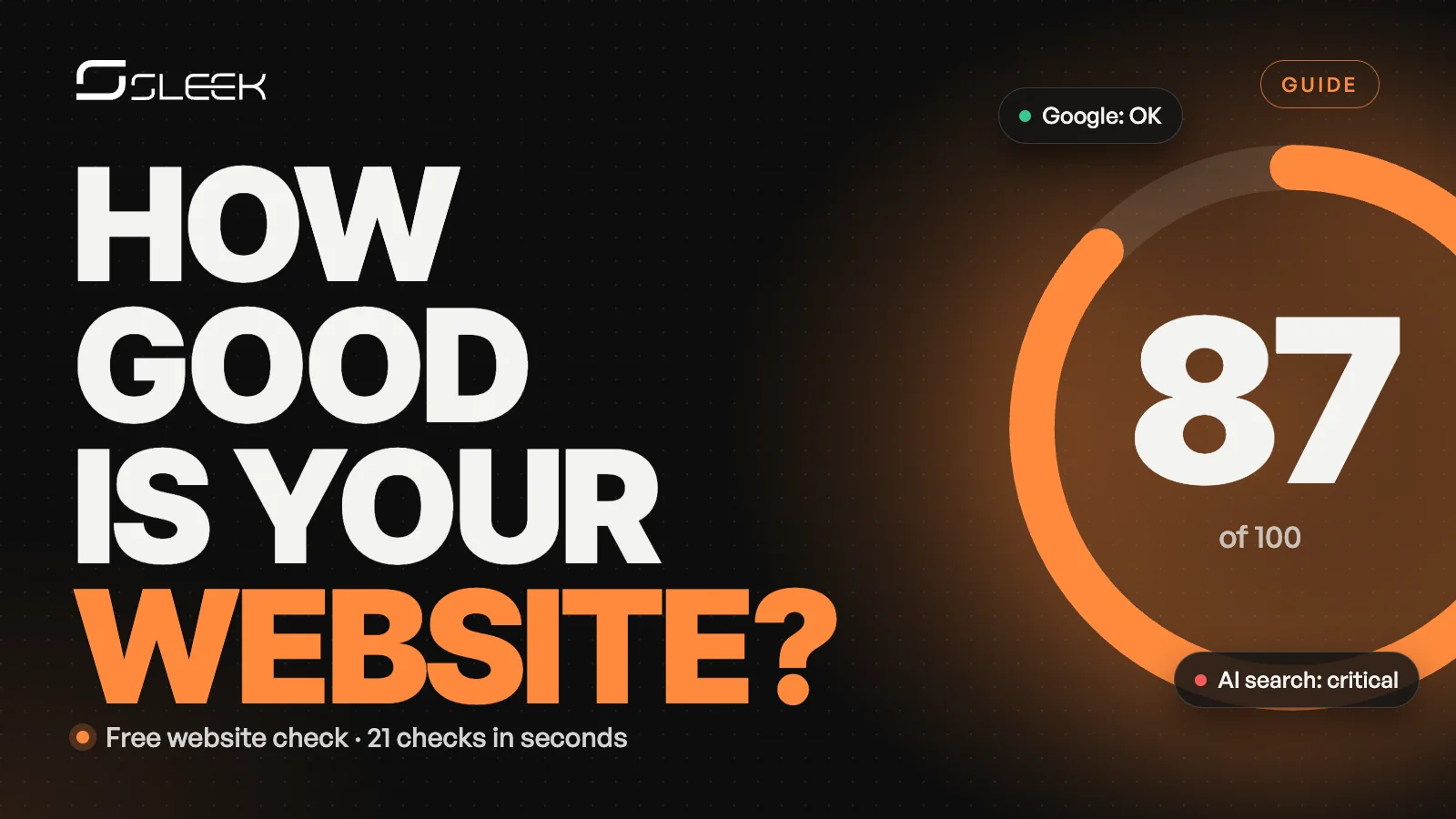
The Sleek website check tests a website’s homepage in a few seconds and shows a score from 0 to 100. Here you’ll find what’s behind it, how to read the result and which points to tackle first.
Contents 8 sections
What does the free website check test?
On the website check page, you enter your website’s address. The check fetches the homepage the way search engines and AI services do: as code, without looking at images and without running JavaScript. It also reads the files robots.txt, sitemap.xml and llms.txt, if they exist.
21 points are checked in four areas:
- Google: title, description, main heading, being open to search engines, sitemap, structured data and image descriptions.
- Speed & tech: secure connection, server response time, compression, number of scripts, image formats and lazy-loading images.
- Mobile: adapting to the screen, zoom and a tappable phone number.
- AI search: readable text in the code, access for AI services, business details for machines, questions with answers and the llms.txt file.
What does the score mean?
Every check ends with “OK”, “Improve” or “Critical”. Important points count for more than less important ones. A block on search engines, for example, weighs six times as much as a missing llms.txt.
- 85 to 100 points: The technical foundation is in place. From here, content, reviews and advertising make the difference.
- 60 to 84 points: solid, but with gaps that cost visibility and can be fixed in a targeted way.
- Below 60 points: Several basics that Google and visitors expect are missing.
A score of 100 doesn’t mean a website is in first place. It means nothing on the technical side is holding it back.
Google: which points count the most?
Being open to search engines carries the most weight. If the code contains the “noindex” instruction or the robots.txt blocks all visitors, the page can’t appear on Google. This happens more often than you might think, for example when a block from the build phase is left in place after launch.
Next come the title and description. The check rates a title of 15 to 65 characters and a description of 70 to 165 characters as good. Shorter ones say too little; longer ones get cut off by Google in the results. Exactly one main heading that names the topic of the page is also good.
Structured data is information in the code from which Google reads the name, address, opening hours and services. Many small-business websites lack it entirely. In the check, this is a critical point.
Speed: what slows a website down?
The check measures how long the server takes for its first response. Up to 600 milliseconds counts as good in the check, more than 1.5 seconds as critical. In its web.dev guide, Google names 0.8 seconds as a good value for the first response.
The check also counts the script files. Up to 15 count as lean, more than 30 as critical, because every file costs time, especially on mobile. For images, it looks at two things: whether they use an efficient format such as WebP and whether images further down only load on scroll.
If the secure connection over https is missing or the certificate is invalid, browsers warn visitors about the page. This point is always critical.
Mobile: how does the check recognise a mobile-friendly page?
By three things. The page has to adapt to the width of the screen, otherwise it appears tiny. Visitors should be able to zoom in, because people with poor eyesight need to be able to zoom. And the phone number should be tappable, so that one tap is enough to call.
The check can’t see how the page looks on a phone or whether the buttons are big enough. For that, it’s best to pick up a phone yourself.
AI search: can ChatGPT read your website?
Many AI services don’t run JavaScript. If a page’s content is only built in the browser, all they find is an empty shell. That’s why the check counts the words that are right there in the code. From 250 words this counts as good, below 80 as critical.
Second, it reads the robots.txt. Some websites block services such as GPTBot or ClaudeBot there, often without the business knowing. These services then can’t recommend the business.
Third, it checks whether the name, address and phone number are in the code in machine-readable form and whether the page answers questions directly. There’s more on this in the guide Getting found in ChatGPT. The llms.txt file is optional and counts for the least in the check.
What can’t the check do?
The check only sees the homepage and only what can be measured automatically. It says nothing about whether the copy is convincing, whether the design suits the business, how many reviews there are or where the website ranks for real searches. A website with 95 points can still bring in hardly any enquiries if visitors don’t understand what’s on offer. What’s missing then is covered in the guide A website that brings in enquiries.
What to do with the result?
- Critical issues first. Red points for search engine access, https or mobile layout should be fixed straight away.
- Then the three key fixes. They’re at the top of the result, sorted by impact.
- Then check again. The result for a domain is stored for ten minutes, so wait a little after making a change.
- If you have questions, discuss the result. The button for this is right below the result. The initial consultation is free.
Frequently asked questions
Does the website check cost anything?
No. The check is free, with no sign-up and no email address.
How often can you check a website?
Up to 8 checks per hour. The result for a domain is stored for ten minutes, so a second check during that time shows the same result.
Which pages does the check test?
The homepage of the domain you enter and the files robots.txt, sitemap.xml and llms.txt. It doesn’t check subpages.
Why doesn’t a website with 100 points automatically rank at the top on Google?
Because the check only measures the technical foundation. Beyond that, top rankings depend on content, reviews and mentions on other sites.
What happens to the address you enter?
It’s only fetched for the check. A counter to prevent misuse and the domain’s result are stored briefly, for ten minutes.
Free checklist
Check your Google profile in 15 minutes
Every point from the guide as a PDF to print and tick off: category, name, opening hours, photos, reviews and what Google prohibits. It arrives by email straight away.

Mario Šimunović
Founder of Sleek in Klagenfurt. Plans and delivers websites, campaigns, photos and films for businesses in Carinthia, from the first idea to ongoing advertising.
More about Mario and SleekMore from the guide

Ready to talk?
The initial consultation is free, with no obligation.